
CS2 Trade-Up Float Formula Explained: How to Guarantee Factory New Outputs
A practical breakdown of the exact CS2 output float equation, float-capped skins, and how traders use Minimal Wear inputs to craft Factory New outcomes for less.
Why Wear Labels Alone Will Cost You Money
The most common mistake in CS2 Trade-Up Contracts is shopping by wear label instead of exact float value. Players see a Minimal Wear output they want, buy ten random Minimal Wear inputs at 0.13–0.14 float, and end up rolling a Field-Tested skin worth half as much.
Counter-Strike 2 completely ignores the text wear label on your inputs. The game only reads the raw 32-bit floating-point wear value of each of your 10 skins, averages them, and maps that average onto the output skin's individual float cap (min_float to max_float).
How Float Caps Change the Math Completely
Not every CS2 skin spans 0.00 to 1.00. Many desirable skins have tight float caps—and those caps dictate whether you need expensive 0.02 Factory New inputs or can get away with cheap 0.09 Minimal Wear inputs.
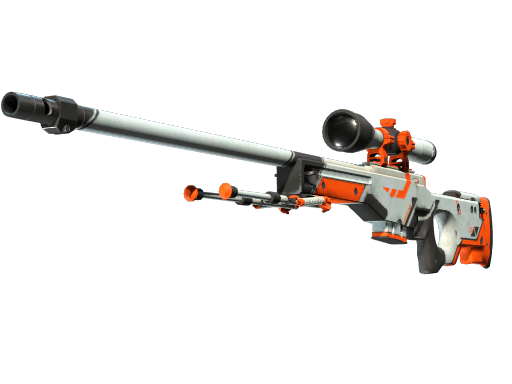
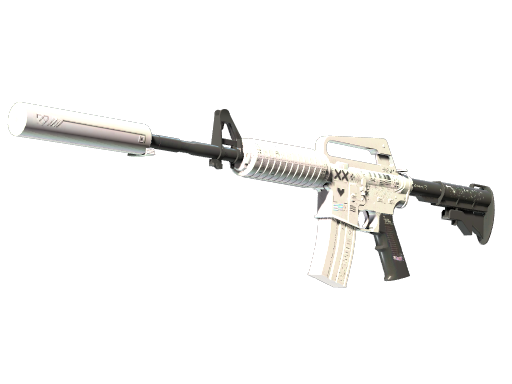
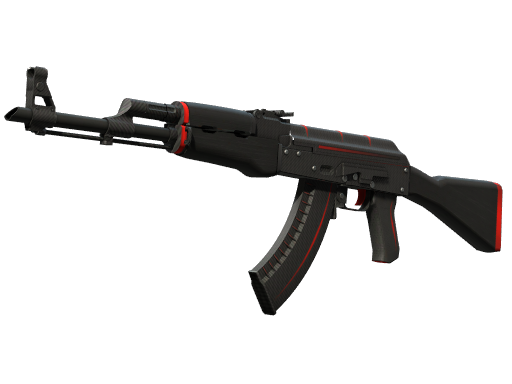
Compare three iconic skins below. Because AWP | Asiimov is capped at 0.18–1.00, it can never exist in Factory New or Minimal Wear regardless of how low your inputs are. Conversely, a skin capped at 0.00–0.50 lets you craft a Factory New (< 0.07) result with an average input float as high as 0.1399.
Cheat Sheet: Max Avg Input Float for Factory New (< 0.07)
Use this reference table when scanning marketplace listings. Once you know the target skin's float cap, you immediately know the highest average input float you can safely buy without slipping into Minimal Wear:
| Output Float Cap | Max Avg Input for FN (< 0.07) | Cheapest Input Wear You Can Buy |
|---|---|---|
| 0.00 – 1.00 (Uncapped) | 0.06999 | Factory New (≤ 0.069) |
| 0.00 – 0.80 (e.g. Printstream) | 0.08749 | Low Minimal Wear (0.07–0.087) |
| 0.00 – 0.70 | 0.09999 | Mid Minimal Wear (0.07–0.099) |
| 0.00 – 0.50 (e.g. Gamma Doppler) | 0.13999 | Any Minimal Wear (0.07–0.139) |
| 0.06 – 0.80 (FN-capped at 0.06) | 0.01351 | Ultra-low FN (≤ 0.0135) |
Worked Example: Crafting a Factory New M4A1-S | Printstream
Suppose you are aiming at an output skin with a 0.00–0.80 float cap and want to guarantee Factory New (< 0.07) without paying FN premiums on all 10 inputs.
Option B hits the exact same Factory New tier while slashing input cost by using Minimal Wear listings.
Watch Out for the 0.06 Min-Float Trap
Skins like Crimson Web, Night, and Ultraviolet have a minimum float of 0.06 instead of 0.00. To land under 0.07 on a 0.06–0.80 skin, your average input float must be below 0.0135—which is almost never profitable unless you already own double-zero fillers.
Before buying a single skin, always plug the target skin into the reverse float solver so you know the exact cutoff to five decimal places.