
Steam Market vs. Third-Party Cash Sites: Where to Source Cheap Trade-Up Inputs
How the 13.04% Steam selling fee quietly kills profitable trade-ups, and how to split your buying across Tradeit, DMarket, White.market, and LIS-Skins.
The 13.04% Steam Tax Math Most Beginners Ignore
On paper, a trade-up that costs $20 and returns an average of $22 looks like a clean +10% profit. But if you sell that $22 output on the Steam Community Market, Valve takes 15% added to buyer price (13.04% off the gross sale), leaving you with $19.13 in locked Steam Wallet funds.
That single fee flips a +10% trade-up into a −4.3% loss—before you even account for the 20–30% gap between Steam Wallet balance and real USD cash.
| Marketplace Type | Typical Price vs. Steam | Seller Fee | Best Use Case for Trade-Ups |
|---|---|---|---|
| Steam Community Market | 100% (Baseline) | ~13.04% | Reference pricing only; avoid for cash profit |
| Tradeit.gg | 70% – 82% | Instant swap / low cash buy | Fast bulk swaps + $5 new-user bonus |
| DMarket | 68% – 78% | 2% – 7% | High-volume P2P & bot stock for fillers |
| White.market | 68% – 76% | 0% – 5% P2P | Low-fee direct P2P listings |
| LIS-Skins | 68% – 78% | Instant cashout | Quick liquidity & selling crafted outputs |
Why Cross-Checking 3–4 Markets Beats Waiting on One Site
Low-float inputs (like 0.07–0.08 Minimal Wear or 0.15–0.17 Field-Tested) are scarce on any single marketplace. If you only refresh one site, you either wait hours or overpay for higher-float listings that ruin your output wear.
Instead, treat marketplaces like order books: grab 3 copies on DMarket, 4 copies on White.market, and 3 copies on Tradeit or LIS-Skins. Combining stock lets you lock in the exact average float you need without chasing inflated listings.
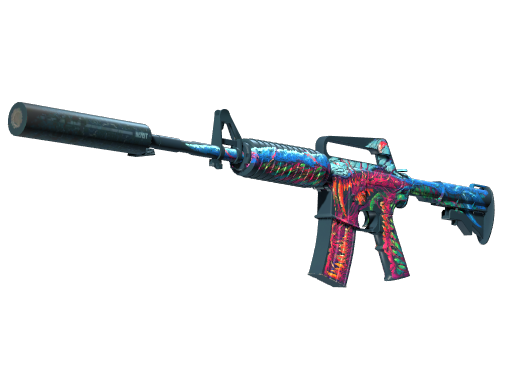
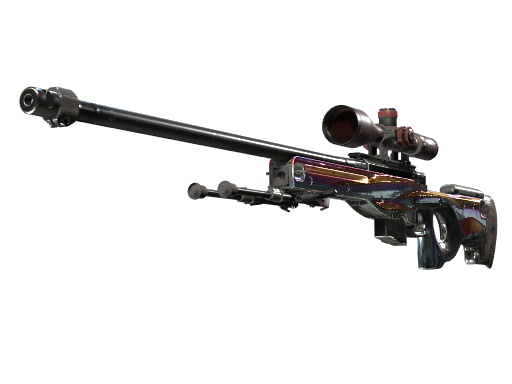
4-Point Checklist Before Locking In Your 10 Inputs
Before you spend money assembling a contract, run through these four quick checks:
- Check the 7-day trade lock: skins bought on bot sites or P2P can still be used in Trade-Up Contracts immediately once in your CS2 inventory, even while trade-locked.
- Verify exact float before buying—never trust the wear badge alone if you are within 0.01 of a float cutoff.
- Compare the 'Save vs Steam' cash discount on CSMargins to make sure you aren't paying Steam-level prices on a cash site.
- Confirm your crafted output has real daily sales volume on cash sites so you aren't stuck holding an illiquid StatTrak Well-Worn skin.